
Turn school flyers into a family plan in 2026 with Fambot

By David Reich, Founder & CEO of Fambot
Published: October 2, 2026
Last updated: October 2, 2026
Summary (TL;DR)
AI can help parents turn school flyers, screenshots, and invitations into a family plan by pulling out dates, places, deadlines, what to bring, and who needs to act. The useful part comes after the scan. The details need to land in a calendar, reminder, task, or clear daily plan before the moment passes.
How do I turn a school flyer into a family plan?
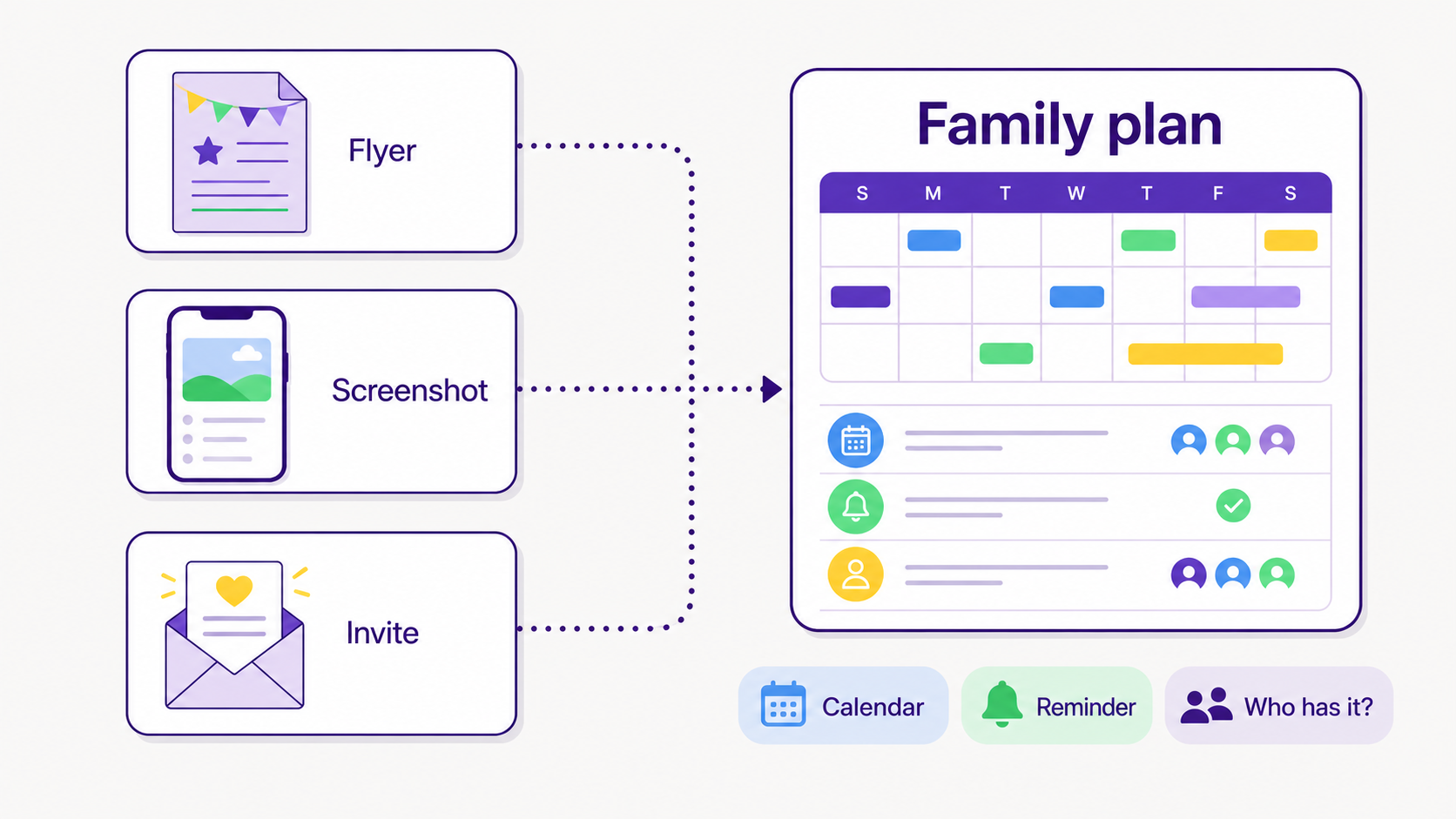
Turn a school flyer into a family plan by finding the details that change what someone has to do: the date, time, place, deadline, cost, sign-up link, what to bring, and who needs to know. Then put each detail where it will actually help: calendar, reminder, task, or family chat.
This is the step that usually breaks down. A flyer gets photographed in the hallway, a birthday invite lands in a text thread, or a class party note sits in a backpack. A parent can see it and still have no plan.
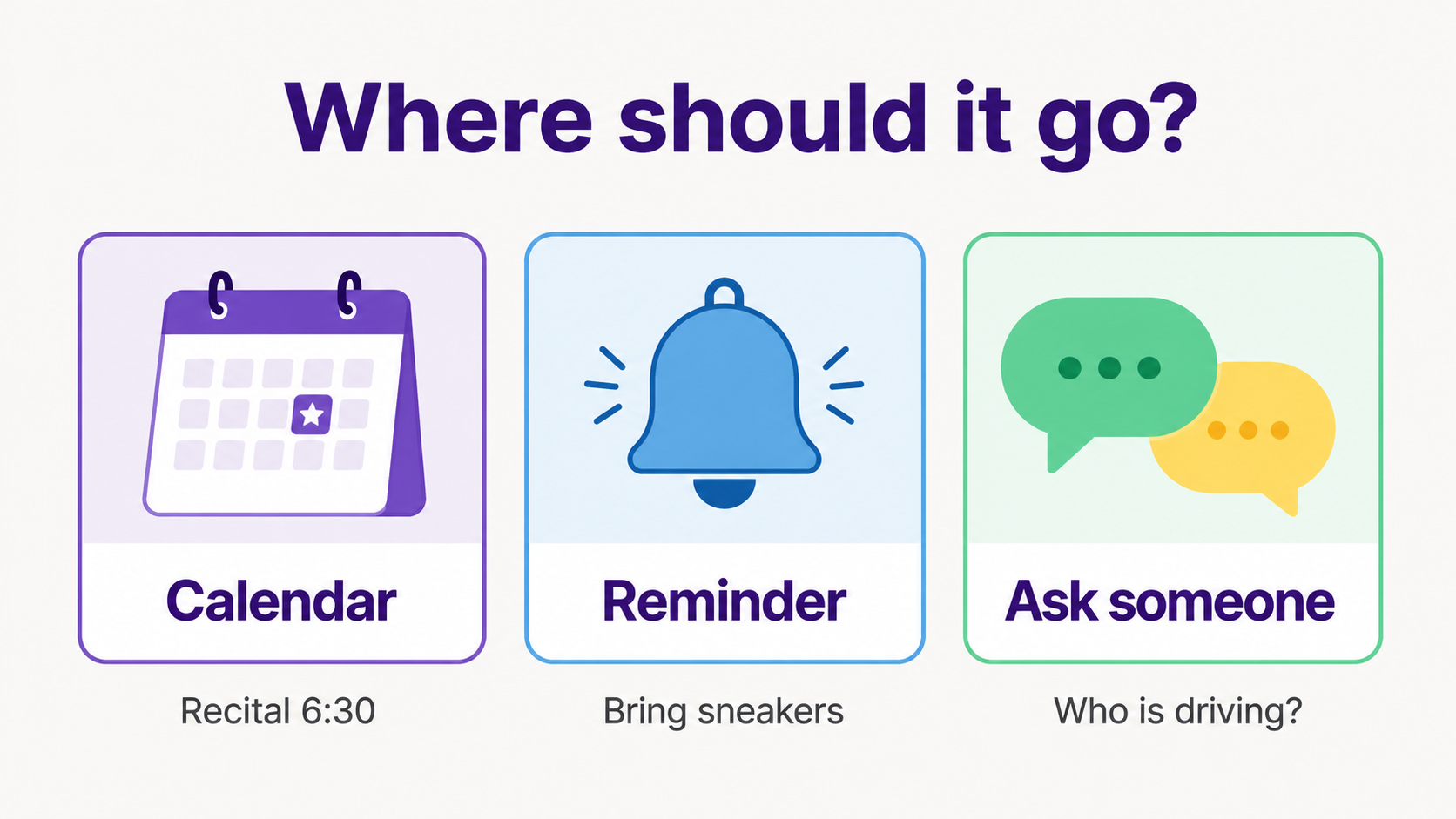
A simple rule helps: if the detail affects time, put it on the calendar. If it affects preparation, make it a reminder. If it needs a person, assign it. If it is unclear, ask a follow-up question while the flyer is still in front of you.
What details should parents pull from flyers and screenshots?
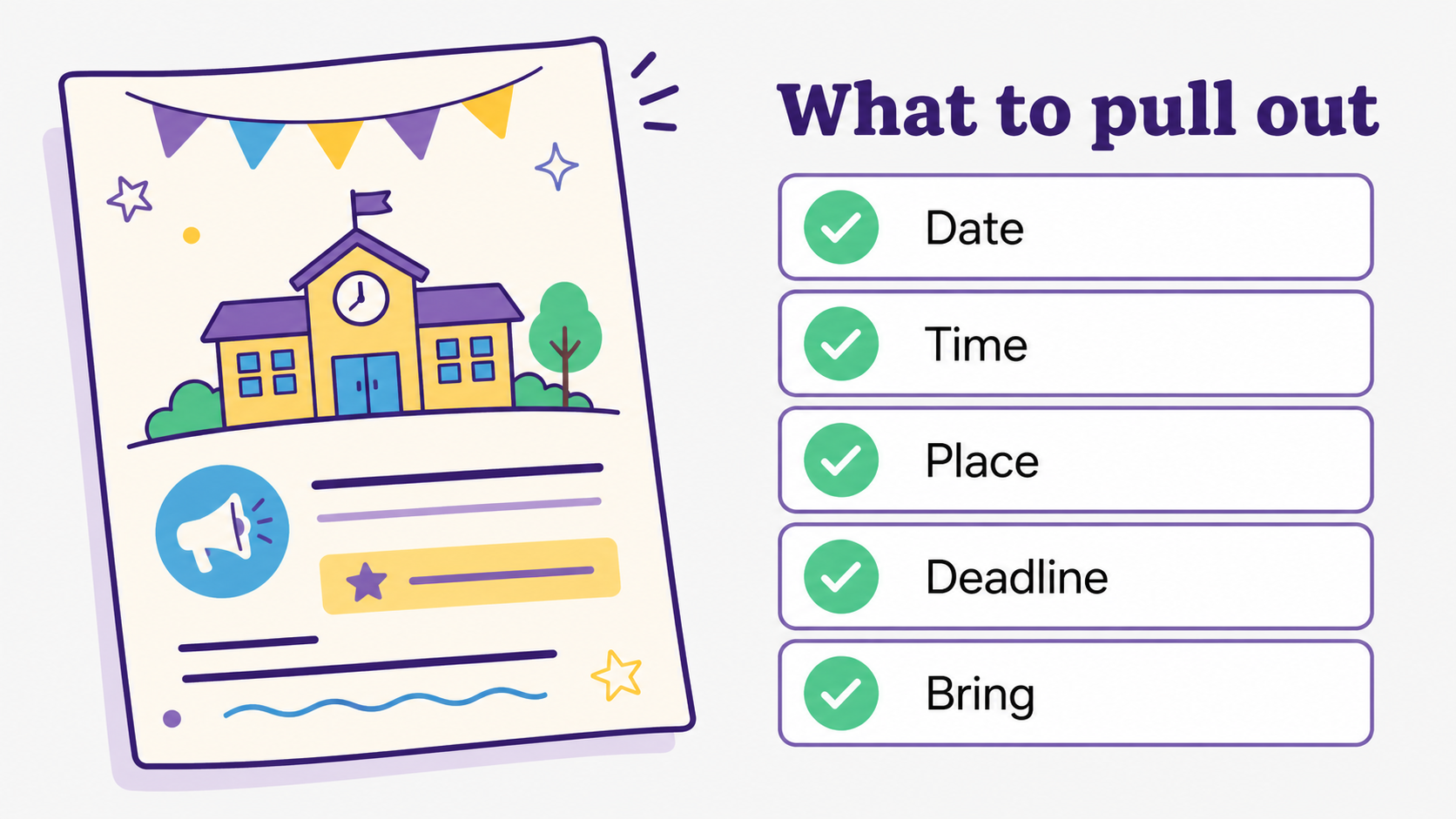
Parents should pull out the details that change the day: date, time, location, deadline, required item, child, activity, cost, link, and the next action. A pretty flyer is nice. A parent needs the sentence that says, "Bring sneakers Thursday" or "RSVP by Friday".
School communication still arrives in many forms. Heartland School Solutions surveyed more than 90,000 parents and found that parents viewed school communications daily through mobile or text messages at 46%, emails from teachers at 40%, and flyers or letters sent home with students at 40% (Heartland School Solutions).
That mix explains why screenshot-to-reminder workflows matter. The same family may get a teacher email, a printed flyer, a group-text photo, and a calendar invite for the same week. The parent does not need 4 copies of the information. They need the few details that change what happens next.
How do I turn a screenshot into a reminder?
Turn a screenshot into a reminder by asking 3 questions: what is the action, when does it matter, and who should handle it? If the screenshot has a date, create a reminder before that date. If it has a place or time, add it to the calendar too.
For example, a screenshot that says "team photos Tuesday at 4:15" should become a calendar event. If it also says "wear game jersey," that becomes a reminder. If it says "parent volunteer needed," that becomes a question for the family chat.
This is why a screenshot should not sit in the camera roll as the final destination. The camera roll is where the parent saved the clue. The family plan is where the clue becomes useful.
Can AI help me track family tasks from emails, flyers, and newsletters?
Yes. With AI, Fambot can help track family tasks when it reads the update, finds the family-relevant details, and turns them into dated actions parents can review. The best version still keeps parents in control. It prepares the work, then lets the family approve, ask, assign, or change the next step.
Schools already rely on digital communication, but acting on those messages still takes parent work. In an IES study of school-family email and text nudges, nearly 80% of households received at least one text message and nearly 1 in 5 opened at least one email (IES).
Parents also respond differently to useful, personal communication than to generic pings. Niche's 2025 Parent Pulse Survey found that 86% of parents said personalized emails would positively influence their interest in a school, compared with 67% for email newsletters; personalized texts scored 65%, compared with 29% for automated texts (Niche).
That matters for family planning because a useful reminder carries enough context to help: which child, which event, what to bring, and what decision still needs a parent.
What app can pull dates and details from school flyers and invitations?
Fambot is built for parents who want school details turned into a plan without maintaining another system by hand. It reads family-related emails, newsletters, calendars, PDFs, links, sports schedules, chat groups, and family context, then turns useful details into calendar events, to-dos, reminders, follow-up questions, and a clear daily plan.
On Fambot's site, parents can see the practical pieces: a daily plan delivered by text, to-dos such as permission slips and RSVP reminders, key dates ready for the calendar, and an email and newsletter decoder for early-release days, conference slots, and sign-up deadlines (Fambot).
Fambot's FAQ also makes the setup promise plain. Parents do not have to forward emails, tag messages, sort the inbox, or take screenshots to make the product work (Fambot FAQs).
For screenshots and flyers, the point is the same: capture the detail wherever it appears, then get it out of the photo pile and into the family plan. Parents can still check the work, but they should not have to rebuild the whole schedule from scraps at 9:42 p.m.
How do co-parents or caregivers stay on the same page after a flyer becomes a task?
Caregivers stay aligned when the task has an owner, a due date, and enough context to act without reopening the original message. A reminder that says "bring form" is weak. A task that says "Return field trip form for Maya by Friday, backpack folder" saves a small but real scramble.
NSPRA's 2025 SCOPE Snapshot found parents rated school system communications 3.6 out of 5 for highlighting district successes and 3.8 out of 5 for celebrating student achievement. Communication reaches families, but it still leaves room for better follow-through once the information leaves the district channel (NSPRA).
At home, that follow-through usually means answering practical questions: who is driving, who is buying the poster board, which backpack gets the form, and whether the RSVP link was already handled. The more specific the task, the less everyone has to ask later.
How should parents use AI without losing control?
Parents should use AI for reading, sorting, extracting, reminding, and drafting the plan, while keeping approval over messages, calendar changes, and family decisions. The assistant should reduce copy/paste work without quietly taking over choices that belong to the family.
Trust matters because family logistics include children's names, schools, activities, schedules, and routines. Fambot's Trust and Safety page says it connects through provider sign-in, does not store account passwords, lets parents revoke access, and does not let AI providers train on family data (Fambot Trust and Safety).
A good test for any AI family tool is simple: can it tell you what needs to happen next, and can you still understand and control the action? Parents do not need magic. They need help that respects the fact that family details are personal.
What is a simple workflow parents can use today?
Use this workflow: capture the flyer or screenshot, pull out the date and action, decide where it belongs, add enough context for another caregiver, and review the plan before the day gets busy. If you use Fambot, the goal is to let the assistant do more of that legwork for you.
- Ask: What does this change about our day?
- Pull out: date, time, place, deadline, what to bring, and who needs to know.
- Place it: calendar event, reminder, task, or family chat.
- Add context: child, activity, location, link, and the original source if useful.
- Review: check tomorrow's plan before the morning rush.
The small win is getting the soccer-photo screenshot, classroom flyer, and birthday invite into the places your family already checks before anyone has to go digging.
Sources
- Fambot - Used for current Fambot product claims about daily plans, to-dos, calendar dates, and school email/newsletter decoding.
- Fambot FAQs - Used for setup and workflow claims, including no forwarding, tagging, sorting, or screenshot requirement.
- Fambot Trust and Safety - Used for privacy, access, password, deletion, and AI-training claims.
- IES - Used for school-family email and text message communication evidence.
- Heartland School Solutions - Used for parent communication-channel statistics across mobile/text, email, and flyers.
- Niche - Used for 2025 parent communication preference statistics.
- NSPRA - Used for 2025 school communication perception benchmarks.




